



THE WRITER’S GUIDE · 05 / 14
Translating a Script
Choose a destination profile, then review the new voice scene by scene.
In this chapter
Before you translate
Save a named source draft. Translation is an AI operation, so connect the Gemini key for the tier you intend to use. A writing profile includes regional conventions as well as the language name.
- Open the Format tab. Confirm that Primary Language describes the source.
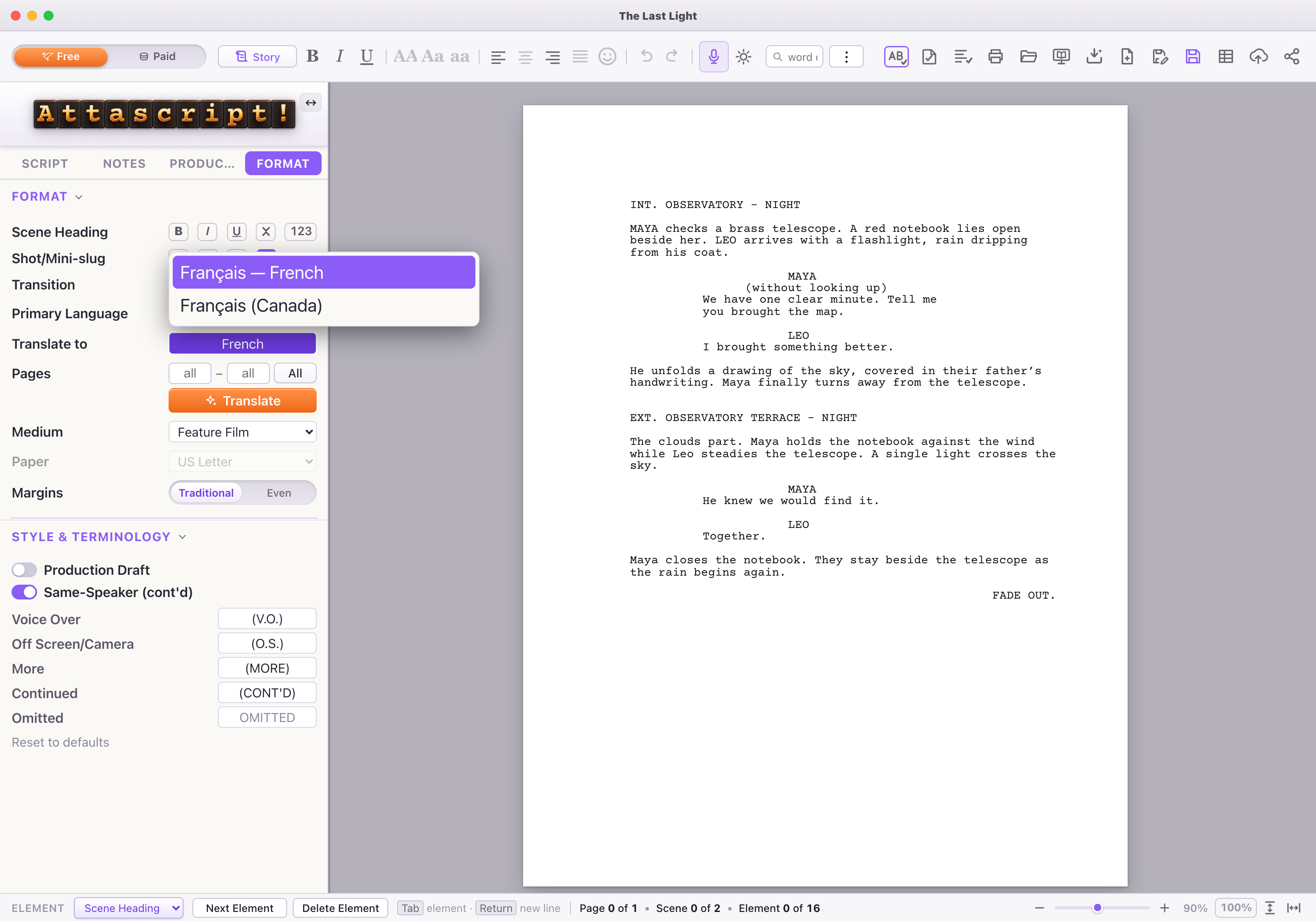
- In Translate to, type or choose the target profile. For example, distinguish Portuguese (Portugal) from Portuguese (Brazil).
- Use All for the entire screenplay, or enter the page range you want to try first. Starting with a short scene makes it easier to judge the voice.
- Click Translate and follow the progress. If a service limit interrupts the work, read the message before retrying.
- Read the translated draft alongside your source. Check names, idioms, character voices, scene headings, V.O./O.S. terms and direction. Save the translated version with a distinct name.
Changing the profile is not a translation
Primary Language selects the writing conventions and interface vocabulary. The Translate action is what asks AI to rewrite the screenplay in another language. If the interface changed but the dialogue did not, check which control you used.
A useful review prompt
Keep Maya’s dialogue precise and guarded. Let Leo sound informal, but preserve the meaning of the map and the final exchange.
Names, jokes and culturally specific references deserve a human read. The language table tells you which profiles also have a bundled local spelling dictionary.