

THE WRITER’S GUIDE · 06 / 14
Developing a Script
Use the treatment tools to turn source material into a plan you can write from.
In this chapter
Find the Adapt / treatment button
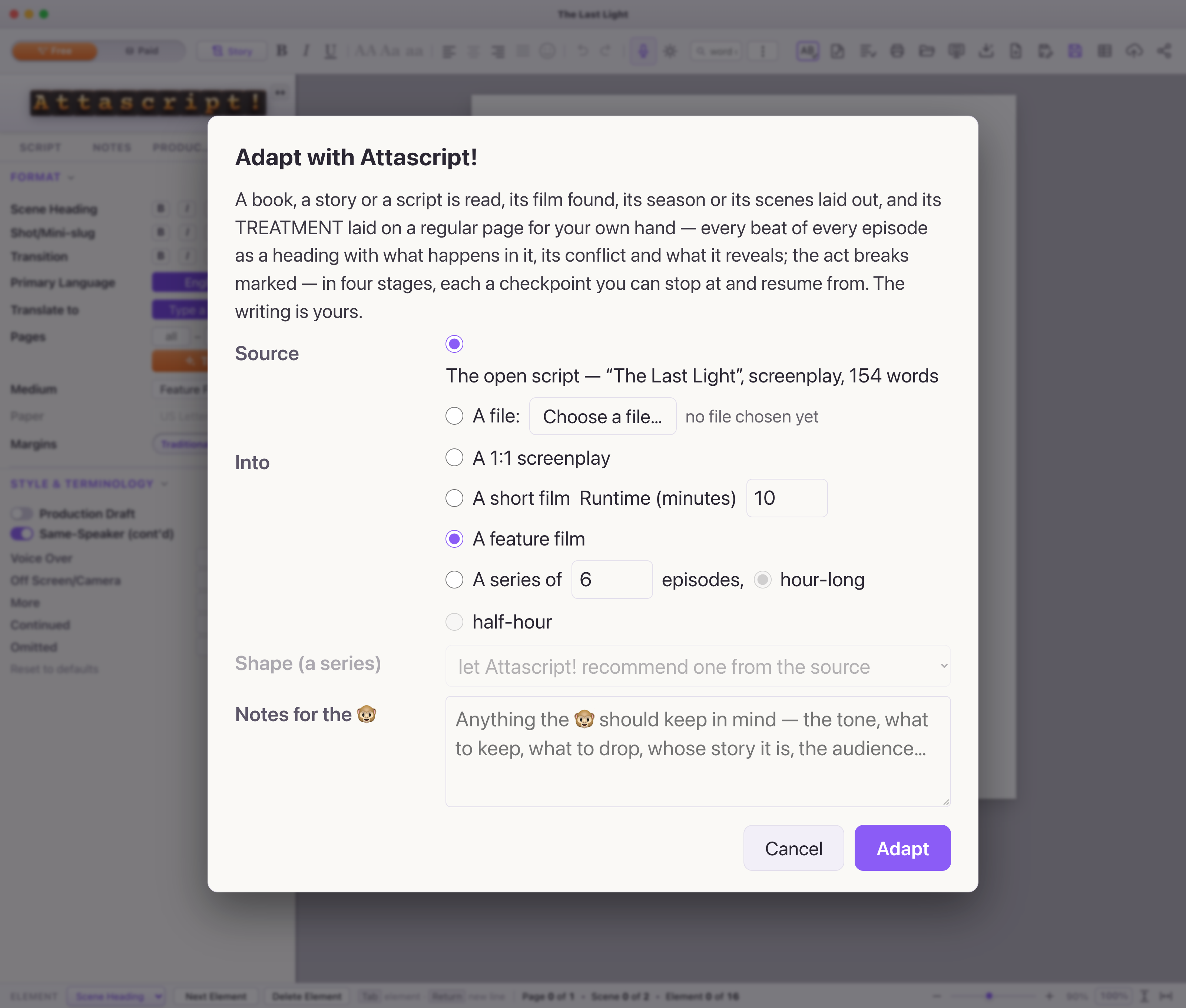
The book inside a screen icon in the toolbar opens Adapt with Attascript!. It can use an attached file or the open screenplay. You will choose the source, the target form and notes for the adaptation.
Choose what you want to receive
| Option | What it produces | Good starting use |
|---|---|---|
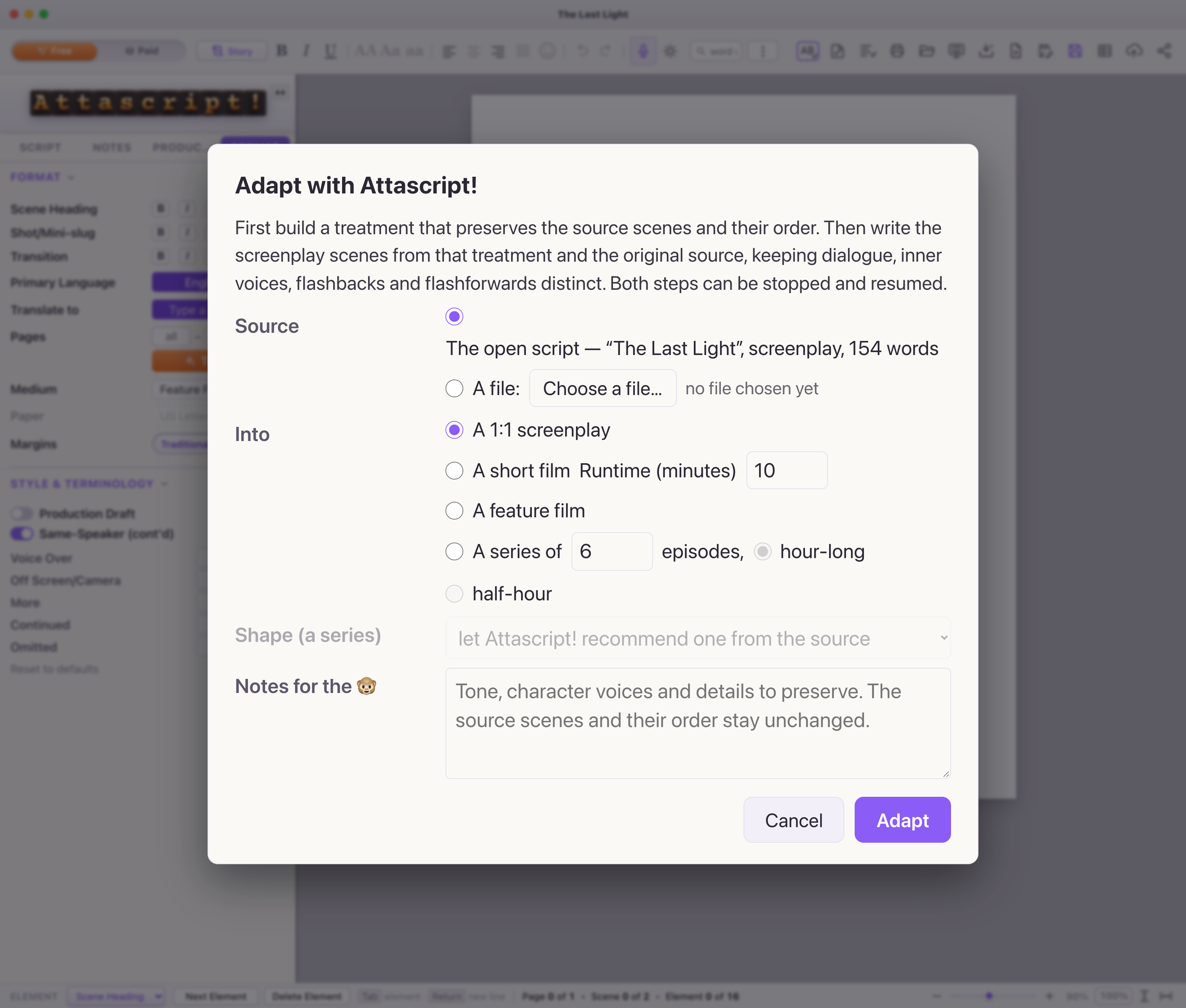
| A 1:1 screenplay | Two resumable stages: a source-preserving treatment, then actual screenplay scenes based on that treatment and the original source. | You want source scenes and their order preserved, including the distinction between dialogue, inner voice and narration. |
| A short film | A treatment for a whole-number runtime from 5 to 60 minutes. | You want a compact adaptation plan you will write into scenes. |
| A feature film | A treatment laid onto regular pages, with beats, conflict and reveals. | You want to find the feature’s shape before drafting it. |
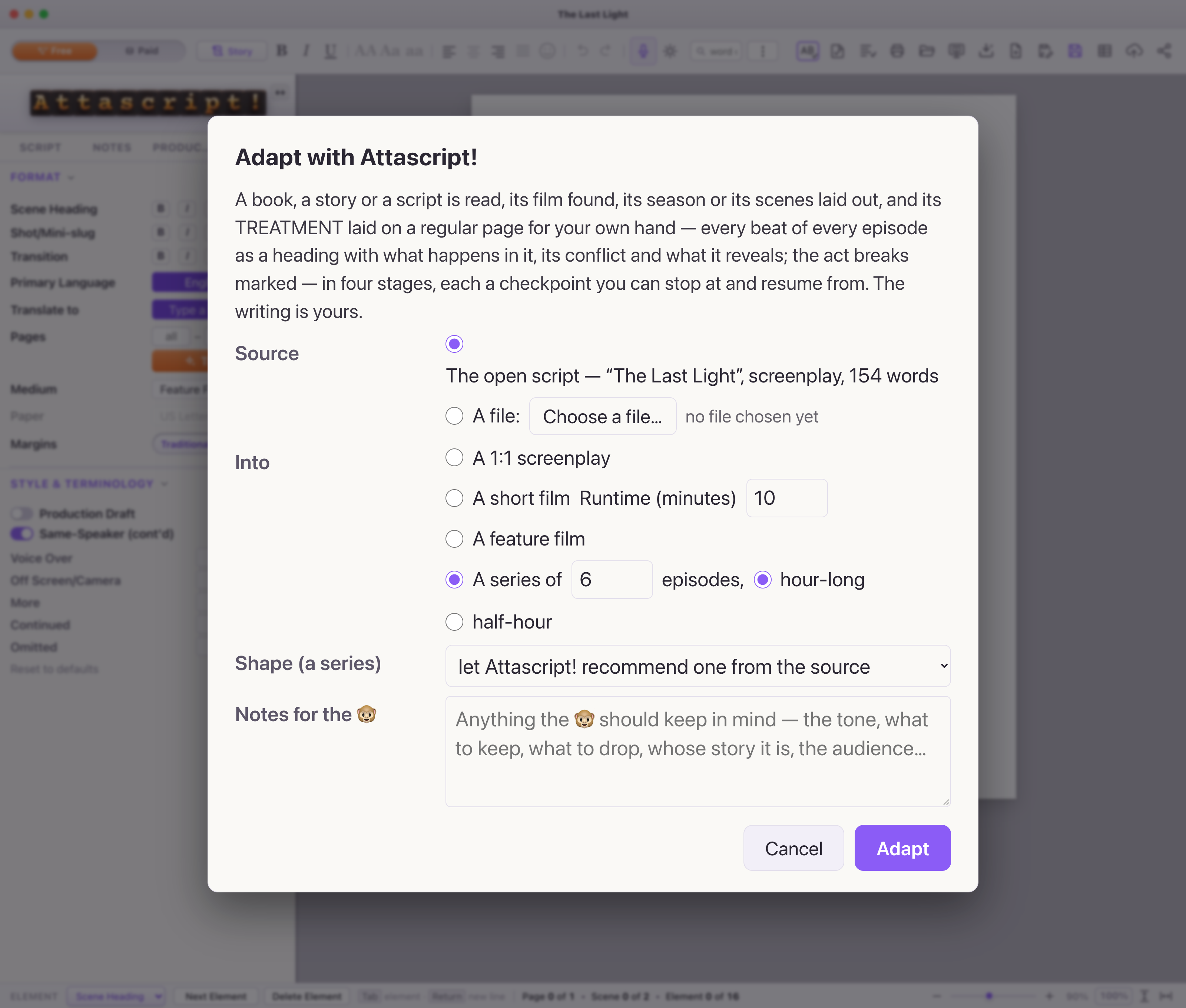
| A series | An episode-based treatment, with 2–24 episodes, half-hour or hour-long targets, and a series shape. | You want a season plan and treatments carried into episode documents. |
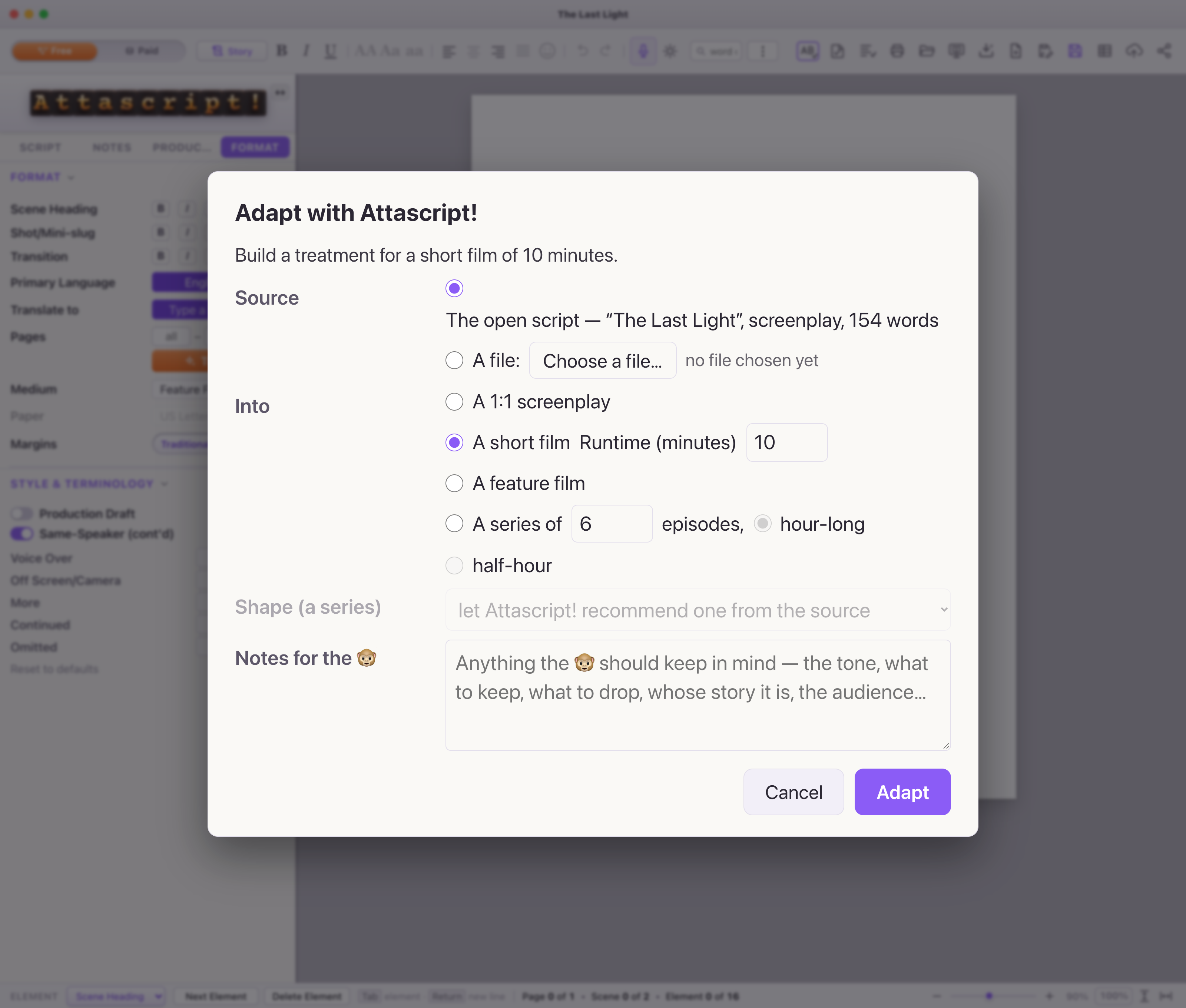
Try a development pass
- Open your source script or choose a supported text document in the dialog. For an attachment, begin in an empty destination; adapting the open script creates a new document.
- Choose the target. For our observatory story, try a 10-minute short film.
- Write a focused note:
Keep two speaking characters and one observatory location. Make the storm a deadline. End with reconciliation expressed through action.
- Choose Adapt. Read the progress and checkpoints. The treatment routes read the source, find its dramatic shape, lay out scenes and beats, then place the treatment on regular pages. You can stop and resume at checkpoints.
- Read the treatment as a plan. Under a beat heading, write the scene it describes; replace treatment prose as the scene becomes concrete. A feature, short-film or series treatment is not a finished dialogue draft.
Keep developing with Ask The 🐵
Open the AI companion with ⌘/Ctrl + Shift + W. Give it a small, assessable request: Suggest three ways Maya can resist accepting Leo’s help, without adding a character.
Review proposed changes in context and save a new draft at useful milestones.